In today’s world, our lives are deeply connected to the internet. We shop online, work remotely, store personal photos in the cloud, and manage finances with a few taps on our phones. While technology has made life easier, it has also opened the door to cyber threats that many people underestimate—until something goes wrong.
Cybersecurity is not just for IT professionals or large corporations. It’s for students, parents, freelancers, business owners, and anyone who uses a smartphone or computer. The good news is that you don’t need advanced technical knowledge to stay safe. A few smart habits can dramatically reduce your risk.
Let’s break down practical cybersecurity tips in a simple, human way—no jargon, no fear tactics, just real-world advice that actually works.
1. Understand That Cybercrime Is Personal
Many people believe, “I’m not important enough to be hacked.” That’s one of the biggest myths in cybersecurity.
Hackers don’t target individuals because they’re famous; they target them because they’re vulnerable. Automated attacks scan millions of devices looking for weak passwords, outdated software, or careless clicks. Your email, social media accounts, and bank details are valuable—even if you think they aren’t.
Once you accept that cybersecurity is personal, protecting yourself becomes a priority rather than an afterthought.
2. Use Strong Passwords (and Stop Reusing Them)
Passwords are still the first line of defense for most accounts, yet many people use “123456,” “password,” or the same password everywhere. This is extremely risky.
A strong password should:
-
Be at least 12 characters long
-
Include uppercase letters, lowercase letters, numbers, and symbols
-
Avoid personal details like names or birthdays
Even more important: never reuse passwords. If one website is hacked and you reused the same password elsewhere, attackers can access multiple accounts within minutes.
Pro tip:
Use a password manager. It creates and stores complex passwords so you don’t have to remember them all. This is one of the easiest and most effective cybersecurity upgrades you can make.
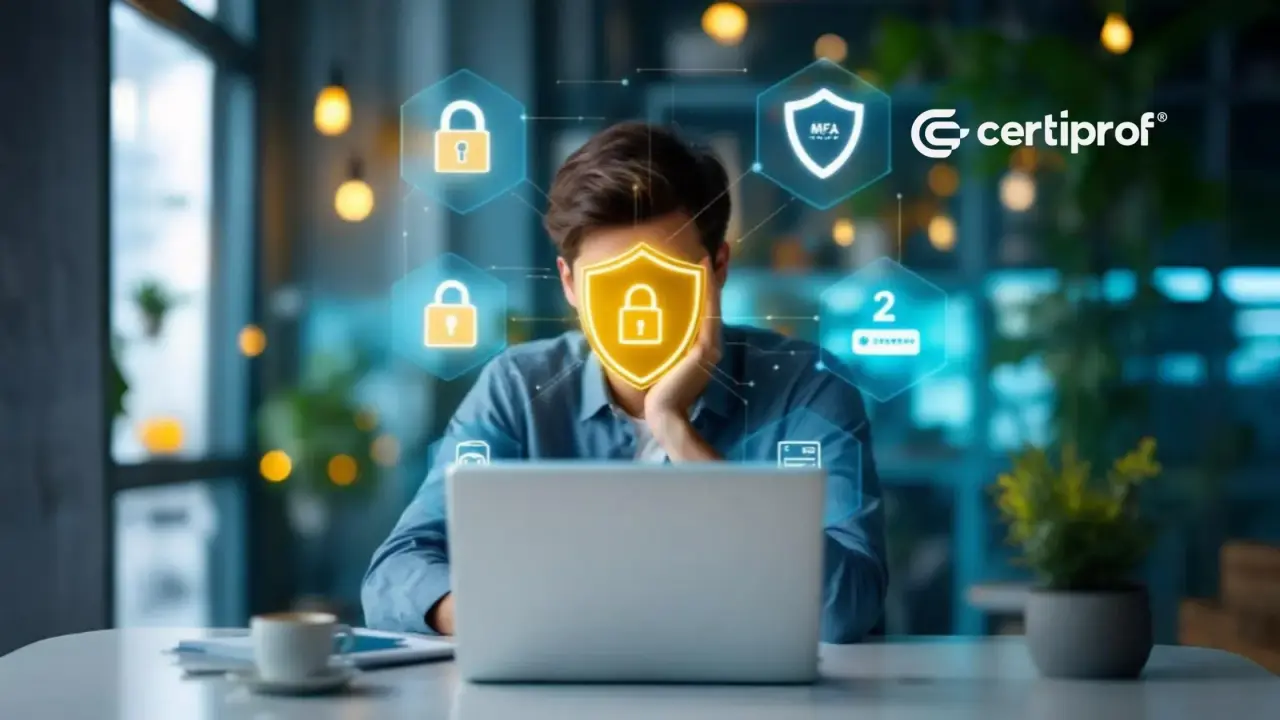
3. Enable Two-Factor Authentication (2FA)
Two-factor authentication adds an extra step when logging in—usually a code sent to your phone or generated by an app. Even if someone steals your password, they can’t access your account without that second factor.
Enable 2FA on:
-
Email accounts
-
Social media
-
Banking and payment apps
-
Cloud storage
-
Work-related platforms
Yes, it adds a few seconds to your login process—but it can save you weeks or months of stress after a cyber attack.
4. Be Careful What You Click
Phishing attacks are one of the most common ways hackers steal information. These attacks usually come as emails, text messages, or social media messages that look legitimate but aren’t.
Warning signs of phishing:
-
Urgent language like “Your account will be closed today”
-
Misspelled words or strange grammar
-
Suspicious links or attachments
-
Requests for personal information
Before clicking, always pause and ask:
Was I expecting this message?
If something feels off, it probably is.
5. Keep Your Software Updated
Software updates are not just about new features—they often fix security vulnerabilities. When you ignore updates, you leave the door open for attackers who exploit known weaknesses.
This includes:
-
Operating systems (Windows, macOS, Android, iOS)
-
Browsers
-
Apps
-
Antivirus software
-
Routers and smart devices
Turn on automatic updates whenever possible. It’s one of the simplest ways to stay protected with minimal effort.
6. Secure Your Wi-Fi Network
Your home Wi-Fi network is the gateway to all your connected devices. If it’s not secure, neither are they.
Basic Wi-Fi security tips:
-
Change the default router username and password
-
Use WPA3 or WPA2 encryption
-
Hide your network if possible
-
Create a separate guest network for visitors
Avoid using public Wi-Fi for sensitive activities like online banking. If you must, use a VPN (Virtual Private Network) to encrypt your data.
7. Back Up Your Data Regularly
Ransomware attacks can lock you out of your files and demand payment to restore access. Hardware failures and accidental deletions can also cause data loss.
Regular backups ensure that even if something goes wrong, your data is safe.
Best practice:
Follow the 3-2-1 rule:
-
3 copies of your data
-
2 different storage types
-
1 off-site or cloud backup
Backups turn disasters into minor inconveniences.
8. Limit What You Share Online
Oversharing on social media makes it easier for attackers to guess passwords or answer security questions.
Be cautious about sharing:
-
Your location in real time
-
Birthdates
-
Phone numbers
-
Personal routines
-
Vacation plans
Cybersecurity isn’t just about technology—it’s also about digital awareness.
9. Educate Yourself and Others
Cyber threats evolve constantly. Staying informed helps you recognize new scams and tactics.
-
Follow reputable tech or cybersecurity blogs
-
Take short online awareness courses
-
Talk to family members, especially children and seniors, about online safety
Cybersecurity works best when everyone plays a role.
10. Trust Your Instincts
If something feels suspicious, don’t ignore that feeling. Whether it’s an unexpected email, a strange login alert, or a pop-up warning—pause and investigate.
Most cyber incidents happen because people feel rushed or pressured. Slowing down can be your strongest defense.
Final Thoughts
Cybersecurity doesn’t have to be complicated or scary. It’s about developing smart digital habits—just like locking your door before leaving home or looking both ways before crossing the street.
You don’t need to be perfect. Even small improvements, like using stronger passwords or enabling two-factor authentication, can dramatically reduce your risk.
In a connected world, protecting your digital life is no longer optional—it’s essential. Start with one change today, and build from there. Your future self will thank you.