
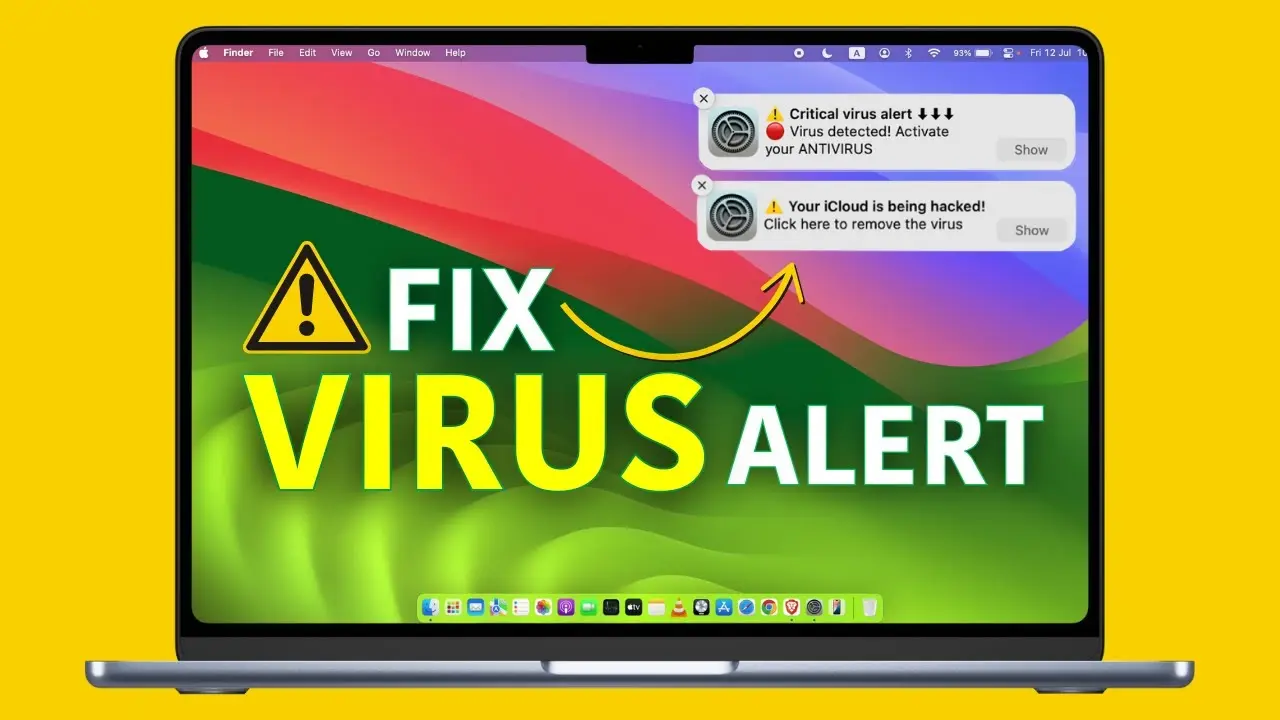
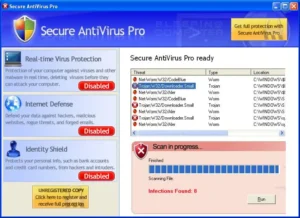
Virus Protector pop-up alert description

Attention: DANGER!
Virus protector has detected 16 critical system infections!
There is no reason to panic, though. Please perform simple on-line registration and remove all threats from your system.
This alert message is released by Virus Protector parasite. The main reason why you shouldn’t trust this bogus program is that it tries to trick you into believing your computer is infected. Do not purchase this parasite, because it is not legitimate security system even if it looks like the real one. You will be able to terminate malicious program, if you use Virus Protector removal tutorial.
3 Responses to











February 26th, 2010 at 1:21 pmPLEASE, HELP ME, RID OF FAKE VIRUS PROTECTOR. I DON’T KNOW, WHAT TO DO….HELPPPP. PLEASE. THANK YOU
February 26th, 2010 at 7:19 pmPLEASE, HELP ME RID OFF FAKE VIRUS PROTECTOR. I DON’T KNOW HOW? I DON’T KNOW WHAT TO DO? HEEELLLP ME , PLEASE.
THANK YOU
February 27th, 2010 at 4:51 amWhat I have is exactly as you discribed above.I hope this will be delivered to you as it seems that everything on my computer has been disabled. Please HELP!!!!!