GuardPcs description
GuardPcs is a fraudulent program delivered by trojans. While its design suggests taking GuardPcs as an anti-spyware, the program itself is useless and even dangerous.

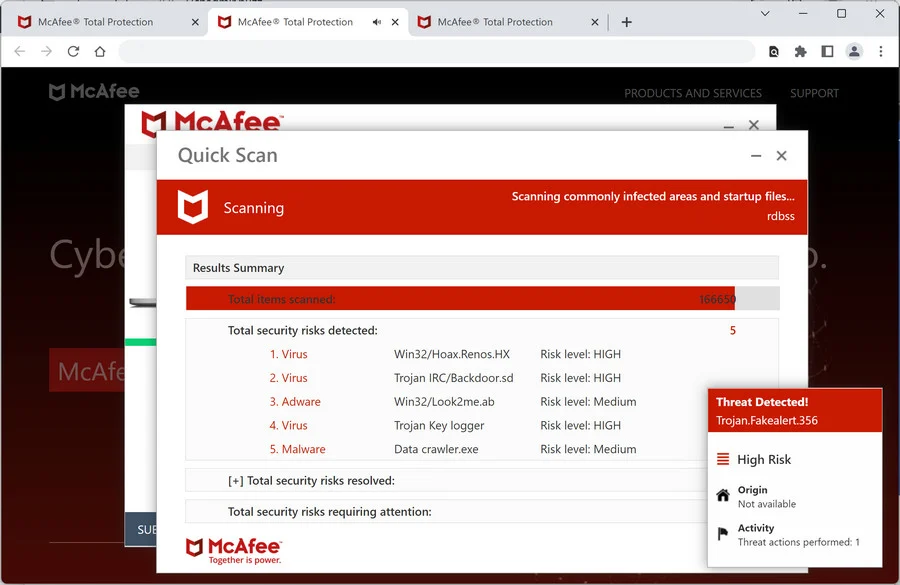
Guard Pcs puts lots of effort to persuade user to buy a license of the tool. It loads fabricated security notifications, system tray alerts and computer scan reports. None of those messages should be trusted. It is neither able to scan a PC nor to erase malware because Guard Pcs itself is a computer infection.
Annoying pop-ups are not the only problem brought by GuardPcs. Guard Pcs halts computer performance and troubles web surfing. It may also block legitimate security tools and redirect web browser to misleading websites.
Get rid of GuardPcs
- Manual step-by-step GuardPcs removal
- Automatic easy GuardPcs detection with Spyware Doctor
- Anti spyware Software. Spyware Doctor Review.
GuardPcs is a Rogue Antispyware software
How to manually remove GuardPcs
To remove GuardPcs spyware you must block GuardPcs sites, stop and remove processes, unregister DLL files, search and delete all other GuardPcs files and registry utility. Follow the GuardPcs detection and removal instructions below.
The most typical software removal method is to remove GuardPcs by using “Add or Remove Programs” service. However there may be hidden GuardPcs files, running processes and registries in your computer, so GuardPcs may recreate all other files after reboot.
GuardPcs manual removal instructions
Block GuardPcs sites:
guardpcs.comRead more how to block GuardPcs sites
Stop and remove GuardPcs processes:
GuardPcs.exe
uninstall.exeRead more how to kill GuardPcs processes
Locate and delete GuardPcs registry entries:
HKEY_CURRENT_USER\Software\GuardPcs
HKEY_LOCAL_MACHINE\SOFTWARE\GuardPcs
HKEY_LOCAL_MACHINE\SOFTWARE\Microsoft\Windows\CurrentVersion\Uninstall\GuardPcs
HKEY_CURRENT_USER\Software\Microsoft\Windows\CurrentVersion\Run “GuardPcs.exe”
HKEY_CURRENT_USER\Software\Microsoft\Windows\CurrentVersion\Run “.exe”Read more how to delete GuardPcs registry entries
Download RegistryBooster 2010 to scan errors caused by GuardPcs
Detect and delete other GuardPcs files:
c:\Documents and Settings\All Users\Desktop\GuardPcs.lnk
c:\Documents and Settings\All Users\Start Menu\Programs\GuardPcs
c:\Documents and Settings\All Users\Start Menu\Programs\GuardPcs\1 GuardPcs.lnk
c:\Documents and Settings\All Users\Start Menu\Programs\GuardPcs\2 Homepage.lnk
c:\Documents and Settings\All Users\Start Menu\Programs\GuardPcs\3 Uninstall.lnk
c:\Program Files\GuardPcs Software
c:\Program Files\GuardPcs Software\GuardPcs
c:\Program Files\GuardPcs Software\GuardPcs\GuardPcs.exe
c:\Program Files\GuardPcs Software\GuardPcs\uninstall.exe
C:\Windows\System32\.exe
%Temp%\.exe
We strongly recommend you to use spyware remover to track GuardPcs and automaticaly remove GuardPcs processes, registries and files as well as other spyware threats.