Advanced Spyware Detector description
Advanced Spyware Detector should be called “Advanced Scam”. The tool is incapable of detecting spyware or deleting infections. Nevertheless, it urges to pay for using the program.
Slow computer and massive pop-ups are the real features of AdvancedSpywareDetector. Avoid downloading and purchasing this tool. Advanced SpywareDetector is useless. The purpose of the program is tricking people into giving their money away; so whoever buys a license of AdvancedSpyware Detector, he/she never receives a refund.
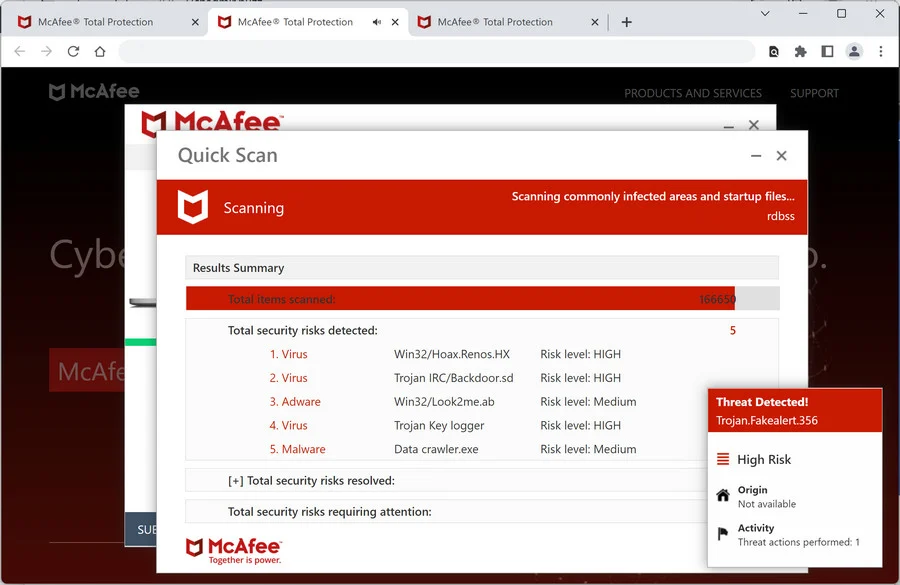
Advanced Spyware Detector is able to fabricate security alerts. It also imitates computer scan. Don’t trust any reports displayed by AdvancedSpywareDetector.
Get rid of Advanced Spyware Detector
- Manual step-by-step Advanced Spyware Detector removal
- Automatic easy Advanced Spyware Detector detection with Spyware Doctor
- Anti spyware Software. Spyware Doctor Review.
Advanced Spyware Detector is a Rogue Antispyware software
How to manually remove Advanced Spyware Detector
To remove Advanced Spyware Detector spyware you must block Advanced Spyware Detector sites, stop and remove processes, unregister DLL files, search and delete all other Advanced Spyware Detector files and registry utility. Follow the Advanced Spyware Detector detection and removal instructions below.
The most typical software removal method is to remove Advanced Spyware Detector by using “Add or Remove Programs” service. However there may be hidden Advanced Spyware Detector files, running processes and registries in your computer, so Advanced Spyware Detector may recreate all other files after reboot.
Advanced Spyware Detector manual removal instructions
Stop and remove Advanced Spyware Detector processes:
install[1].exe
asd.exeRead more how to kill Advanced Spyware Detector processes
Locate and delete Advanced Spyware Detector registry entries:
HKEY_LOCAL_MACHINE\SOFTWARE\Microsoft\Windows\CurrentVersion\Run “AdvSpywareDetect”Read more how to delete Advanced Spyware Detector registry entries
Download RegistryBooster 2010 to scan errors caused by Advanced Spyware Detector
Detect and delete other Advanced Spyware Detector files:
install[1].exe
asd.exe
We strongly recommend you to use spyware remover to track Advanced Spyware Detector and automaticaly remove Advanced Spyware Detector processes, registries and files as well as other spyware threats.