hq720 (4)

How to remove “Low Disk Space” counterfeit warning

“Low Disk Space” counterfeit warning description

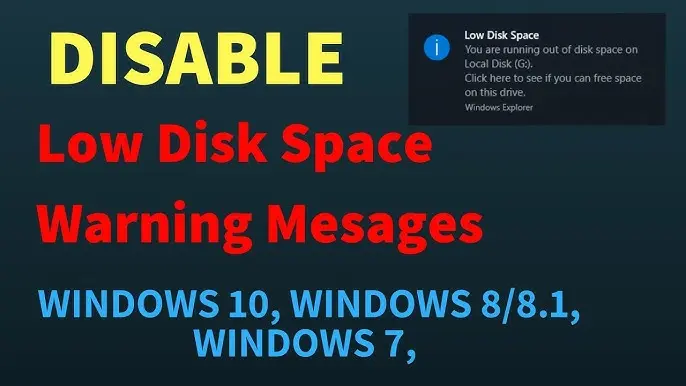
Low Disk Space


You are running low disk space on Local Disk (C:)

“Low Disk Space” may be a real notification loaded by Windows operating system. But the message is also fabricated by fake system defragmenters like EasyScan, MemoryFixer and Quick Defragmenter.

If the “Low Disk Space” is followed by an offer to buy some software, the notification is definitely the counterfeit one. Do not trust such software and run antispyware to delete the fake tools.

Tags: “Low Disk Space” counterfeit warning, EasyScan, Low Disk Space, MemoryFixer, Quick Defragmenter how to get rid of “Low Disk Space” counterfeit warning how to remove “Low Disk Space” counterfeit warning how to uninstall “Low Disk Space” counterfeit warning

One Response to

“Low Disk Space” counterfeit warning

Trackbacks

  • Remove Fake “Windows – No Disk” alert pop-up

Anna

Obsessed with technology and software.

More From Author

maxresdefault (6)

How to remove AWM Antivirus

maxresdefault (7)

How to remove Presto TuneUp System Alert

Leave a Reply

Your email address will not be published. Required fields are marked *

Categories

Subscribe

Email
The form has been submitted successfully!
There has been some error while submitting the form. Please verify all form fields again.

Recent Post