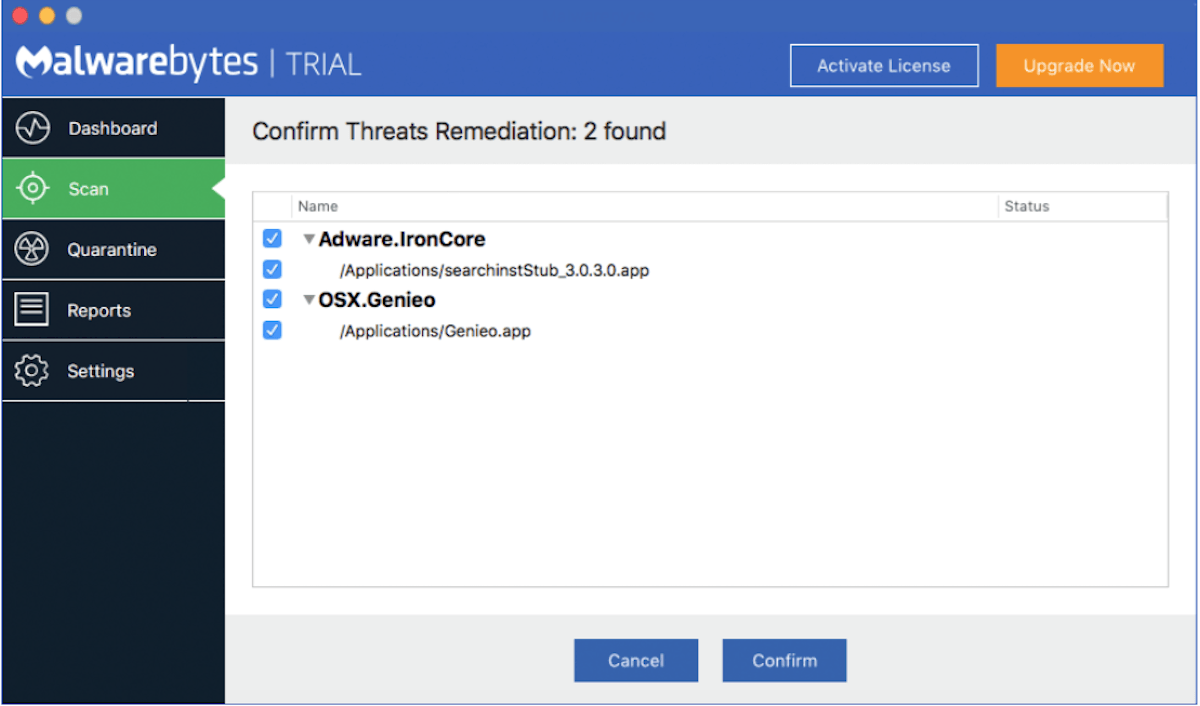
MalwareBot description
Meet another fake security tool – MalwareBot. It’s only good at pretending to be an anti-spyware application, but it’s not capable of performing a single function.

Malware Bot generates numerous falsified alerts. Those usually warn people of computer infections and privacy problems. If user clicks on such an alert, MalwareBot urges to pay for fixing the problem. The software is useless; don’t waste your money on this fraud.
MalwareBot is installed by trojans and it’s promoted on fraudulent websites such as malwarebot.com. Malware Bot may also be indirectly distributed by adware that offer downloading the tool manually.
Get rid of MalwareBot
- Manual step-by-step MalwareBot removal
- Automatic easy MalwareBot detection with Spyware Doctor
- Anti spyware Software. Spyware Doctor Review.
MalwareBot is a Rogue Antispyware software
How to manually remove MalwareBot
To remove MalwareBot spyware you must block MalwareBot sites, stop and remove processes, unregister DLL files, search and delete all other MalwareBot files and registry utility. Follow the MalwareBot detection and removal instructions below.
The most typical software removal method is to remove MalwareBot by using “Add or Remove Programs” service. However there may be hidden MalwareBot files, running processes and registries in your computer, so MalwareBot may recreate all other files after reboot.
MalwareBot manual removal instructions
Block MalwareBot sites:
malwarebot.comRead more how to block MalwareBot sites
Stop and remove MalwareBot processes:
MalwareBot.exe
Icon.exeRead more how to kill MalwareBot processes
Locate and delete MalwareBot registry entries:
HKEY_CURRENT_USER\Software\MalwareBot
HKEY_CLASSES_ROOT\CLSID\{C5D60FD5-9CCB-403c-9ED7-A5E1676C38CE}
HKEY_CLASSES_ROOT\Installer\Features\42FDF858096D3024DB1A97FFAAB0D6B3
HKEY_CLASSES_ROOT\Installer\Products\42FDF858096D3024DB1A97FFAAB0D6B3
HKEY_CLASSES_ROOT\Installer\UpgradeCodes\8BF9CD9F316AF4348A9E5930114224AF
HKEY_LOCAL_MACHINE\SOFTWARE\MalwareBot
HKEY_LOCAL_MACHINE\SOFTWARE\Microsoft\Windows\CurrentVersion\DisabledRun
HKEY_LOCAL_MACHINE\SOFTWARE\Microsoft\Windows\CurrentVersion\DisabledUninstall
HKEY_LOCAL_MACHINE\SOFTWARE\Microsoft\Windows\CurrentVersion\Explorer\ControlPanel\NameSpace\{C5D60FD5-9CCB-403c-9ED7-A5E1676C38CE}
HKEY_LOCAL_MACHINE\SOFTWARE\Microsoft\Windows\CurrentVersion\Explorer\DisabledBHO
HKEY_LOCAL_MACHINE\SOFTWARE\Microsoft\Windows\CurrentVersion\Uninstall\{858FDF24-D690-4203-BDA1-79FFAA0B6D3B}Read more how to delete MalwareBot registry entries
Download RegistryBooster 2010 to scan errors caused by MalwareBot
Detect and delete other MalwareBot files:
%UserProfile%\Application Data\MalwareBot\Log\[Year- Month- Date_ Time].log
%UserProfile%\Local Settings\Temp\[RANDOM CHARACTERS].tmp
C:\Documents and Settings\All Users\Desktop\MalwareBot.lnk
C:\Documents and Settings\All Users\Start Menu\Programs\MalwareBot\MalwareBot on the Web.lnk
C:\Documents and Settings\All Users\Start Menu\Programs\MalwareBot\MalwareBot.lnk
%ProgramFiles%\MalwareBot\DataBase.ref
%ProgramFiles%\MalwareBot\MalwareBot.exe
%ProgramFiles%\MalwareBot\MalwareBot.url
%ProgramFiles%\MalwareBot\vistaCPtasks.xml
%Windìr%\Installer\[RANDOM CHARACTERS].msi
%Windìr%\Installer\{858FDF24-D690-4203-BDA1-79FFAA0B6D3B}\Icon.exe
%Windìr%\Tasks\MalwareBot Scheduled Scan.job
We strongly recommend you to use spyware remover to track MalwareBot and automaticaly remove MalwareBot processes, registries and files as well as other spyware threats.