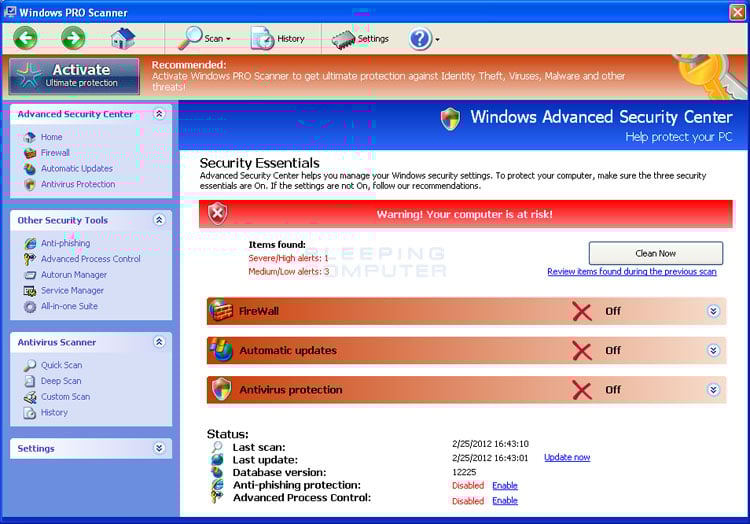
Scanner description

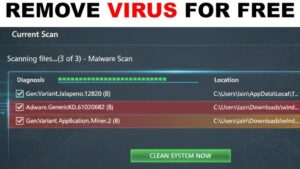
Scanner is one of several fake system tools that appeared lately. Scanner looks exactly like HDD Fix fraud, the only difference is the title.Scanner presents itself as a system utility. It offers repairing hardware and defragmenting drives right after a victim pays for using the program. The fraud spreads via trojans and malicious websites. When installed, it brings enormous amounts of counterfeit warnings. Scanner is also able to imitate some trouble by blocking certain applications or making some folders inaccessible. Do not trust Scanner and don’t expect it to repair your computer. Delete this fraud if you want your computer to work normally again.
Here are some examples of the fake alerts loaded by Scanner scam:
Requested registry access is not allowed. Registry defragmentation required
Read time of hard drive clusters less than 500 ms
32% of HDD space is unreadable
Bad sectors on hard drive or damaged file allocation table
GPU RAM temperature is critically high. Urgent RAM memory optimization is required to prevent system crash
Drive C initializing error
Ram Temperature is 83 C. Optimization is required for normal operation.
Hard drive doesn’t respond to system commands
Data Safety Problem. System integrity is at risk.
Registry Error – Critical Error
Critical Error!
Damaged hard drive clusters detected. Private data is at risk.
Critical Error
Hard Drive not found. Missing hard drive.
Critical Error
RAM memory usage is critically high. RAM memory failure.
Critical Error
A critical error has occurred while indexing data stored on hard drive. System restart required.
Get rid of Scanner
- Manual step-by-step Scanner removal
- Automatic easy Scanner detection with Spyware Doctor
- Anti spyware Software. Spyware Doctor Review.
Scanner is a Rogue Antispyware software
How to manually remove Scanner
To remove Scanner spyware you must block Scanner sites, stop and remove processes, unregister DLL files, search and delete all other Scanner files and registry utility. Follow the Scanner detection and removal instructions below.The most typical software removal method is to remove Scanner by using “Add or Remove Programs” service. However there may be hidden Scanner files, running processes and registries in your computer, so Scanner may recreate all other files after reboot.
Scanner manual removal instructions
Detect and delete other Scanner files:
c:\Documents and Settings\All Users\Application Data\dfrg
c:\Documents and Settings\All Users\Application Data\dfrgr
%UserProfile%\Desktop\Scanner.lnk
%UserProfile%\Start Menu\Programs\Scanner\
%UserProfile%\Start Menu\Programs\Scanner\Scanner.lnk
%UserProfile%\Start Menu\Programs\Scanner\Uninstall Scanner.lnk
We strongly recommend you to use spyware remover to track Scanner and automaticaly remove Scanner processes, registries and files as well as other spyware threats.